

You’re browsing the internet when suddenly a scary warning fills your screen: “YOUR COMPUTER IS INFECTED! Call Microsoft Support immediately at 1-800-XXX-XXXX!” Your heart races. It looks official. It even has the Microsoft logo.
Take a deep breath. It’s a scam. And it’s one of the most common tricks online.
How the Scam Works
Tech support scams follow a simple pattern: scare you, then “rescue” you — for a price.
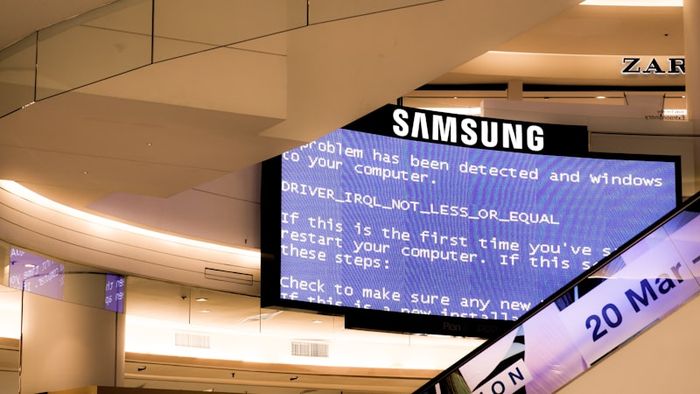
The scam usually starts in one of three ways:
- A scary pop-up appears while you’re browsing, warning that your computer is infected
- A phone call from someone claiming to be from Microsoft, Apple, or your internet provider
- An email saying your account has been compromised and you need to call for help
What Happens If You Call
If you call the number, a friendly-sounding “technician” will ask you to install remote access software so they can “fix” your computer. Once they’re in, they might:
- Pretend to find viruses that don’t exist
- Install actual malware on your computer
- Steal your passwords and financial information
- Charge you hundreds of dollars for “repairs” you never needed
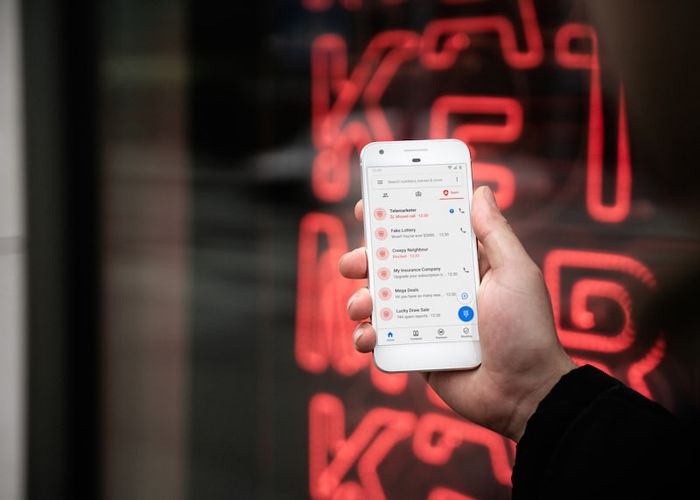
How to Spot the Scam Every Time
Watch for these red flags:
- Urgency and fear: “Act NOW or your files will be deleted!”
- Requests for remote access: No legitimate company asks to remotely control your computer via a cold call
- Payment by gift cards or wire transfer: Real companies never ask for gift cards as payment
- A phone number in a pop-up warning: Real security warnings from your operating system never include phone numbers
What to Do Right Now

Remember
The fact that you’re reading this means you’re already ahead of the game. Most tech support scams work because people don’t know they exist. Now you do — and you can warn your friends and family too.
If you need real tech help, always go directly to the company’s official website or visit a local repair shop you trust.