
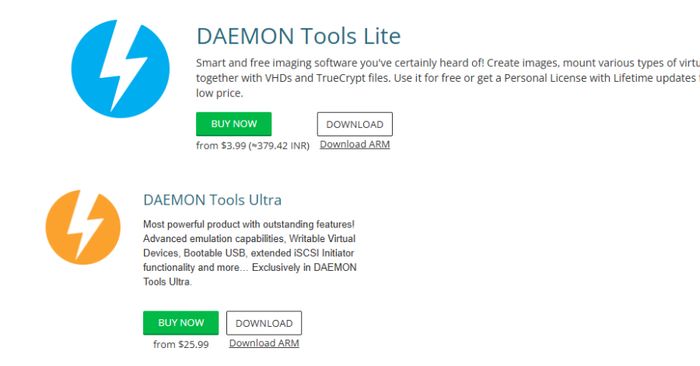
Attackers managed to break into the official DAEMON Tools website and swap out the real installer with a booby-trapped version that installs malware alongside the software. DAEMON Tools is a popular Windows program that lets your computer read disc images — the kind of virtual CDs and DVDs that come as .iso files. Because victims downloaded the file from the legitimate website, their security software was less likely to raise an alarm.
This type of attack is called a supply chain attack: instead of hacking your device directly, criminals compromise the trusted source you download software from. The malware delivered in this case can steal passwords, capture what you type, and give attackers ongoing access to your computer.
How to check if you’re affected
Affected devices are any Windows computers where DAEMON Tools was downloaded or updated from the official website in the past few weeks.
- Check your download history: Open your browser’s download history (Ctrl + J in Chrome/Edge) and look for a DAEMON Tools installer downloaded recently.
- Run a full scan: Open Windows Security (search for it in the Start menu), go to Virus & threat protection, and click Quick scan → Scan options → Full scan.
- Check the version: Open DAEMON Tools and look at Help → About. If you downloaded it from the official site recently, treat it as potentially compromised until the company confirms the issue is resolved.
- Uninstall for now: If you are not sure, uninstall DAEMON Tools via Settings → Apps, then run a full scan before reinstalling from a clean source.