
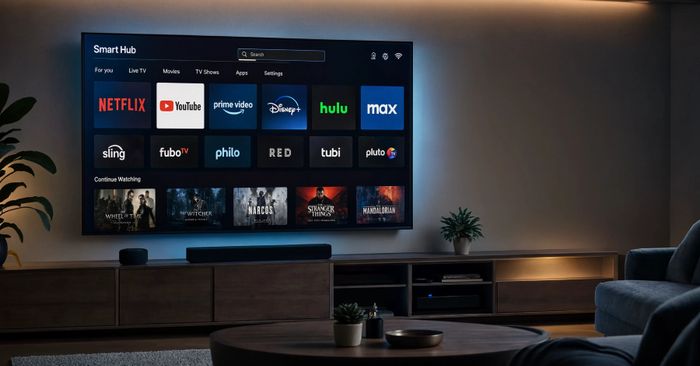
Security researchers have found that certain free apps available for smart TVs, Android TV boxes, and streaming sticks are quietly turning your device into a proxy — a relay node that lets outside companies route their internet traffic through your home connection. The “cost” of these free apps isn’t money: it’s your bandwidth and your IP address, used by AI data-harvesting companies in the background while you watch TV.
This matters because it can slow down your home internet, eat into your monthly data allowance, and make your IP address appear linked to activity you didn’t do. The behaviour is buried in the apps’ terms of service, but almost nobody reads those. You have a right to know what’s running on your network.
How to check if you’re affected
Affected devices include any Android smart TV, streaming box, or phone where you have installed free third-party apps — especially apps offering free movies, free VPN services, or free screen-sharing tools. To review your exposure:
- On your smart TV or streaming box, go to Settings → Apps and look for apps you didn’t intentionally install or no longer use. Uninstall anything unfamiliar.
- Check reviews before installing free apps — look for complaints about slow internet or high background data use.
- On Android TV devices, go to Settings → Device Preferences → Developer options → Running services to see what is active in the background.
- Stick to apps from well-known publishers listed in official stores (Google Play, Amazon Appstore, Roku Channel Store).