
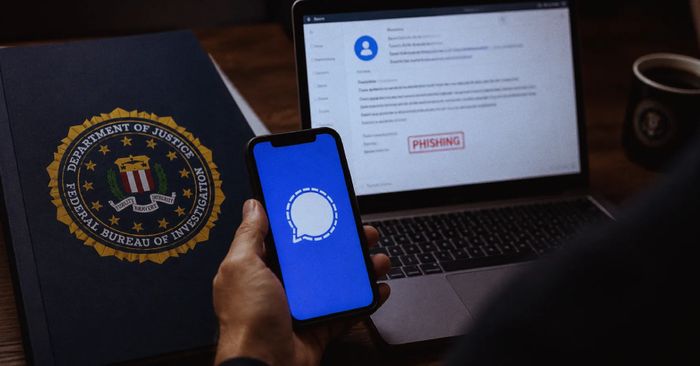
The FBI and CISA have issued a joint warning (PSA I-062626-PSA) that hackers tied to Russian intelligence services are running a phishing campaign aimed at Signal users — specifically targeting the Backup Recovery Key, a long secret string Signal generates so you can restore your chat history when you set up a new phone. Attackers pose as “Signal support” inside the app and ask people to enable backups and paste their Recovery Key into the chat. Once they have the key, they can restore the entire backup on a device they control and silently read every private and group conversation. The FBI says the campaign has compromised thousands of accounts worldwide, with high-profile targets including journalists, government officials, and Ukrainian personnel — but the underlying trick (a fake support message asking for a secret) works on anyone.
There is no software flaw here; Signal itself is not broken. The attack relies entirely on persuading the user to share a secret that should never leave their device. That makes it dangerous for ordinary users too — anyone who falls for an “urgent support” message can lose their entire chat history to an outsider, and the stolen key keeps working even if you later sign in with a fresh account on the same phone number.
How to check if you’re affected
Affected devices are any iPhone or Android phone running the Signal messaging app. Treat any in-app message from “Signal support” as suspicious — Signal does not ask for your Recovery Key, your verification SMS code, or your PIN through chat, ever. Open Signal and go to Settings → Linked devices: if you see any device you don’t recognise, remove it immediately. If you have already shared your Recovery Key with someone, open Settings → Chats → Chat backups and generate a new key right away, then change your Signal PIN under Settings → Account → Change PIN.