
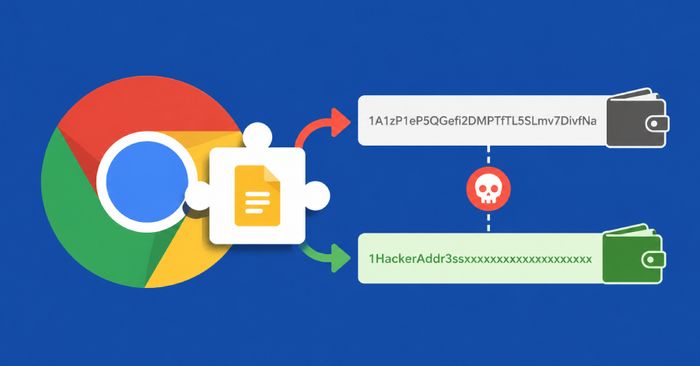
Security researchers uncovered a malicious Chrome extension calling itself “Google Notes” that was designed to steal cryptocurrency by swapping wallet addresses at the exact moment you paste them. When you copy a crypto wallet address and paste it into a send field, this extension silently replaces the real address with the attacker’s address — so your money goes to a stranger instead of where you intended.
This type of attack is called a “clipboard hijacker” or “crypto clipper,” and it’s especially dangerous because the swap happens invisibly. You might paste what looks like the right address and not notice anything wrong until the funds are gone. The extension was distributed through unofficial channels rather than the official Chrome Web Store, but users who installed it may still have it active.
How to check if you’re affected
Affected devices include any computer where an extension called “Google Notes” or similar is installed in Chrome or another Chromium-based browser (Edge, Brave, Opera):
- Go to your browser’s extension manager (for Chrome:
chrome://extensions). - Look for any extension named “Google Notes,” “Notes for Google,” or any notes tool you don’t remember installing. Google does not make an official Chrome extension by that name.
- If you find one, click Remove immediately.
- Whenever you send cryptocurrency, always paste the address and then triple-check the first and last 4–6 characters match your intended recipient before confirming.