
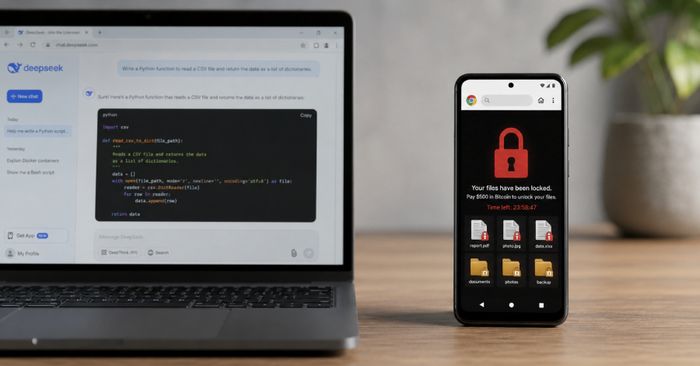
Security researchers have discovered a proof-of-concept ransomware tool — dubbed InfernoGrabber — that was written almost entirely by an AI chatbot (DeepSeek) and uploaded to a malware analysis service in January 2026. What makes it unusual is how it works: instead of tricking you into downloading and running a program, it operates entirely inside a web browser tab. It abuses a legitimate browser feature called the File System Access API, which normally lets apps like web-based photo editors read files from your device with your permission.
The attack works like this: a malicious website presents a convincing-looking permission prompt. If you click “Allow,” the browser hands the page access to your files. The malware then reads, encrypts, and overwrites them — all within the browser — and displays an extortion note demanding Bitcoin. Researchers confirmed it works on Windows and Android devices with Chrome or any other Chromium-based browser. Importantly, this tool has not been seen in real criminal campaigns yet — it was found in a research setting — but its existence shows that AI tools are increasingly being misused to write attack code.
How to check if you’re affected
Affected devices include Windows computers and Android phones running Google Chrome or any Chromium-based browser (such as Edge, Brave, or Opera) on versions that support the File System Access API (Chrome 86 and newer):
- Treat file-access permission prompts as serious security decisions. If a website you didn’t intentionally visit asks to “View files” or “Edit files” on your device, click Cancel immediately.
- Review which sites already have file-system access: In Chrome, go to Settings → Privacy and security → Site settings → Your device use and revoke access for any site you don’t recognize.
- Keep your browser updated — go to Chrome Menu → Help → About Google Chrome — to ensure you have the latest security patches.