
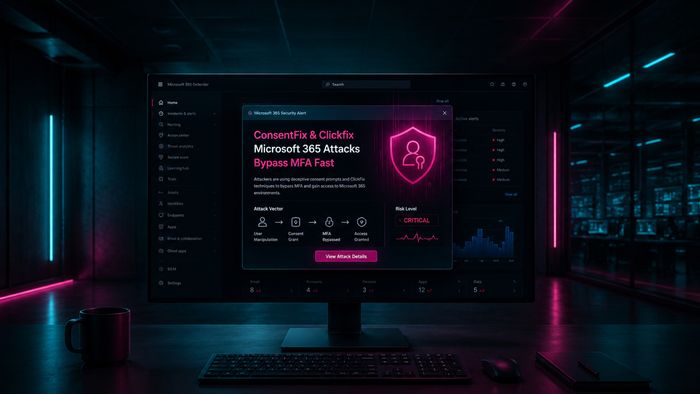
Security researchers have uncovered two sophisticated tricks that criminals are using to take over Microsoft 365 accounts — and neither one requires stealing your password. The first, called ClickFix, shows you a fake verification screen and asks you to press a keyboard shortcut that secretly runs malicious code on your computer. The second, called ConsentFix, displays a realistic Microsoft sign-in screen and tricks you into dragging a link into your browser that quietly hands an attacker a digital key to your account — bypassing two-factor authentication entirely.
These attacks are especially dangerous because they look completely routine. You might think you’re completing a standard login step, but in just a few seconds you’ve given a criminal full access to your email, files, and documents in Microsoft 365. Security teams have spotted both techniques being used in phishing campaigns targeting everyday Microsoft 365 users across email, Teams, and OneDrive.
How to check if you’re affected
Affected products include all Microsoft 365 services — Outlook, OneDrive, Teams, and SharePoint. If you recently received an unexpected verification request asking you to press keyboard shortcuts (such as Windows+R) or to drag a link from a webpage into your browser address bar, your account may already be compromised.
- Go to account.microsoft.com and sign in.
- Open Security → My sign-in activity and look for logins you don’t recognize.
- Visit myapps.microsoft.com and revoke any connected apps you don’t recognize.
- If anything looks unfamiliar, change your password immediately and contact your IT team.