
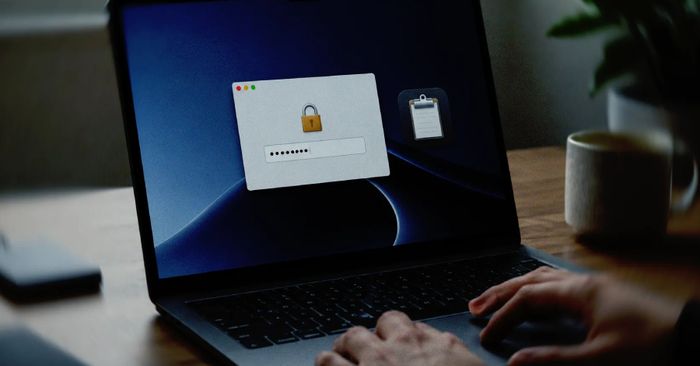
Criminals have created fake websites that impersonate Maccy, a legitimate and popular Mac clipboard manager app. If you downloaded Maccy from one of these fake sites instead of the real developer’s page, the installer secretly includes a piece of malware called PamStealer. Shortly after installation, a convincing-looking popup appears asking for your Mac login password — similar to the real prompts macOS uses for system changes. If you enter your password, it gets sent directly to the attackers.
Your Mac login password is the master key to everything on your computer: your files, saved passwords, emails, and more. Losing it to an attacker can have serious consequences. The fix is straightforward — check where you downloaded Maccy from and remove it if it came from the wrong source.
How to check if you’re affected
Affected devices are Mac computers running macOS where Maccy was downloaded from any site other than maccy.app (the official developer site) or the Mac App Store.
- Open Finder → Downloads and look for any Maccy
.dmgor.zipfile you downloaded. Check the source URL if your browser saved it. - If you downloaded Maccy from an unofficial source, open Applications, drag Maccy to the Trash, and empty it.
- After removing it, change your Mac login password immediately: go to System Settings → Users & Groups → Change Password.
- To reinstall safely, download Maccy only from maccy.app or search for it in the Mac App Store.