
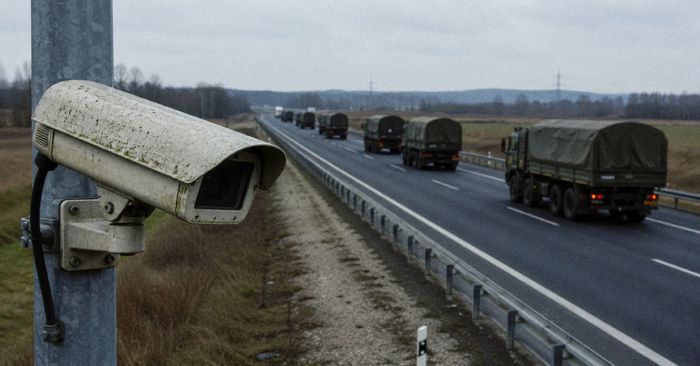
The Netherlands’ civilian and military intelligence services — the AIVD and MIVD — issued a warning on July 10 confirming what security researchers had suspected: at least one Russian intelligence agency has been systematically breaking into internet-connected security cameras across Europe and Ukraine. Their goal is to watch military transport routes in real time, tracking weapons shipments headed to Kyiv and mapping the movements of Ukrainian troops. Researchers at Censys counted more than 87,000 cameras across EU and NATO countries running software tied to known exploited vulnerabilities.
The method is chillingly simple. Attackers scan the internet for exposed cameras, identify the model, and log in using the default password that came printed on the box — the one most owners never changed. Once inside, automated image-recognition software takes over, scanning video feeds for military vehicles and cargo. In Ukraine, Dutch intelligence says these camera feeds have been used to help target military personnel and destroy equipment. In NATO countries, the same access is used to quietly collect intelligence about troop logistics — without any shots fired.
How to check if you’re affected
Affected devices are any internet-facing security camera, doorbell camera, or webcam that is still using the factory-set default password or running firmware versions older than the latest available from the manufacturer.
Here is what to do right now:
- Change the default password. Open your camera app or settings panel. If you are still using the password printed on the camera’s box or setup guide, change it immediately to something long and unique.
- Install firmware updates. Look in your camera’s settings for a software or firmware update option. Apply any pending updates — they patch the exact vulnerabilities attackers exploit.
- Disable port forwarding and UPnP. If you turned these on in your router to access your camera remotely, disable them. Use your camera manufacturer’s built-in secure remote access feature or a VPN instead.
- Review what your camera can see. If your camera points at a sensitive area, consider whether it needs to be internet-accessible at all.