
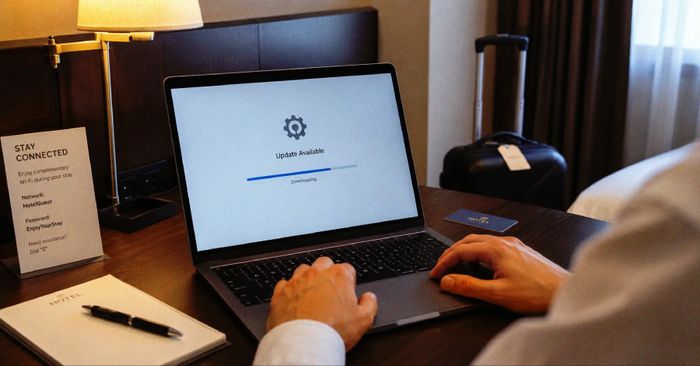
Microsoft has published a detailed analysis of an active campaign called CaptiveCrunch, in which the Russian threat group Storm-2945 — assessed to be part of Midnight Blizzard (APT29/Cozy Bear), Russia’s Foreign Intelligence Service (SVR) — has been hijacking hotel Wi-Fi gateways to deliver malware to travelers. The operation has been running since at least early May 2026 and has been observed across hospitality networks in multiple countries.
The attack works by taking administrative control of the captive portal gateway that hotels use to manage guest internet access. Because this gateway also acts as the DNS resolver for connected devices, the attackers can forge DNS responses and redirect any web request — for example, a routine browser connectivity check — to a fake “browser update” page. Victims who download and run the supposed update instead install CornFlake, a Go-based remote access trojan that disguises itself as svchost32.exe under the display name “Cloud Sync Service.” CornFlake can take idle-triggered screenshots, log keystrokes, steal browser cookies and saved passwords (including those protected by Chrome App-Bound Encryption), record clipboard contents, scan removable drives, and open a remote shell — all while a persistence watchdog re-installs itself if defenders try to remove it. A second implant, ChocoShell, targets Microsoft 365 and Azure Active Directory tokens stored in the system’s token broker cache, enabling session replay without needing a browser cookie. Since July 16, some CaptiveCrunch landing pages have also used Microsoft’s device code authentication flow to trick victims into granting MFA-bypassed access to attacker-controlled cloud sessions.
How to check if you’re affected
Affected devices are any laptop or mobile device used to connect to hotel or venue Wi-Fi since May 2026, particularly if the device received a browser or operating system update prompt from the captive portal login page. Steps to take:
- If you accepted a software update, certificate installation, or troubleshooting tool offered through a hotel Wi-Fi sign-in page, scan the device with an updated endpoint security tool and look for
svchost32.exein%APPDATA%\svchost32\(Windows) or unexpected scheduled tasks under that name. - Going forward: use an always-on VPN that routes DNS queries through corporate resolvers before the venue’s gateway can answer them. Never install software, browser updates, or security certificates through a captive portal.
- If your organization uses Microsoft Conditional Access, disable the device code authentication flow where it is not operationally required — this blocks a key CaptiveCrunch credential-theft path.