
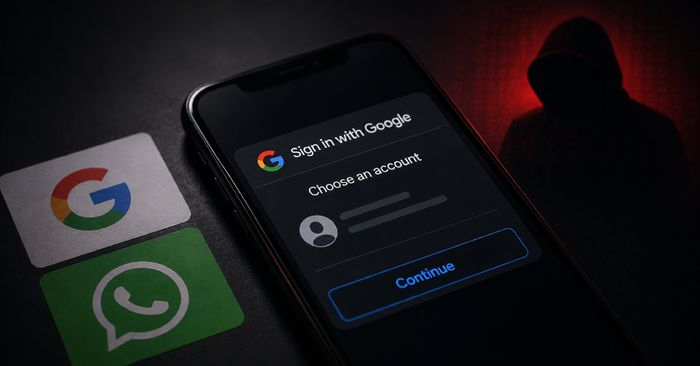
Google’s Threat Intelligence Group (GTIG) has published research detailing three distinct Russian cyber-espionage clusters that have been abusing legitimate authentication flows — Google OAuth, WhatsApp device linking, and Microsoft device-code login — to seize control of victim accounts without needing passwords. The targets are highly specific: academics, diplomats, aerospace and defense workers, government officials, and think-tank researchers in Europe, particularly those whose work touches Russia or former Soviet states.
The most striking technique belongs to a group GTIG tracks as UNC7005, which built fake pages promising access to a “secure WhatsApp call.” Visitors were asked to enter their phone number, after which the attacker used that number to generate a legitimate WhatsApp device-link request — displaying the real QR code and linking instructions to the victim, who then unknowingly authorized the attacker’s device to mirror their account. A second group, UNC5976, ran OAuth phishing at scale: it purchased file-sharing-themed domains, stood up cloud infrastructure, and drove targets to a “Continue with Google” popup that redirected to the real Google login page. After the victim authenticated, their token landed at an attacker-controlled endpoint. Both groups also deployed post-compromise malware — ChocoShell, a PowerShell infostealer that lifts Chrome’s app-bound encryption, session cookies, Microsoft 365 SSO tokens, and Wi-Fi credentials. Google says it has disrupted the identified infrastructure, but warns that the groups quickly pivot to new providers.
How to check if you’re affected
If you work in academia, government, aerospace, or a defense-related think tank and received an unexpected OAuth authorization prompt or a WhatsApp device-linking request in 2026, review your accounts now. In your Google account under Security → Third-party apps with account access, look for unfamiliar or unverified applications you don’t recognize. In WhatsApp, go to Settings → Linked Devices and remove any device you did not authorize yourself. Affected products include any Google or Microsoft account that received an unsolicited OAuth or device-code login request from an unknown cloud project.