
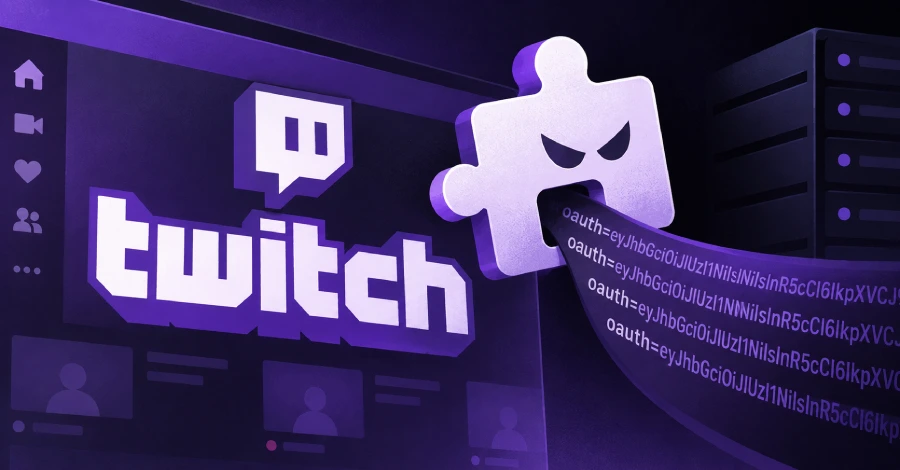
A browser extension called “Twitch Enhanced Viewer | JeetBot” has been found secretly leaking OAuth authentication tokens from Twitch users to proxy servers operated by a Russian commercial bot service. The extension was available on both the Google Chrome Web Store and Mozilla Firefox Add-Ons store, and security researchers at Socket estimate that tokens from nearly 31,000 users were forwarded to attacker infrastructure. Twitch OAuth tokens grant access to a user’s chat, private messages (whispers), and account settings — and because the tokens were transmitted as a URL query parameter, they were written in cleartext into the proxy operator’s server logs.
The extension advertised itself as a “modern tool for streamers and viewers” offering an ad-free experience and region-unlocked 1080p streams. In practice, researcher Kush Pandya found that current version 85.x builds silently reroute Twitch’s video playlist requests through operator-controlled proxy servers while appending the user’s live OAuth token to each request URL. Earlier version 4.x builds went further, actively posting the token to a dedicated endpoint on the operator’s host with fallback servers on deno.dev and deno.net. Notably, the extension’s token-forwarding logic includes a hard-coded allowlist of ten Russian-language Twitch channels whose sessions are exempted from the leak — a deliberate design choice that strongly implies intentional credential harvesting. The developer, identified as a Cyprus-based individual operating jeetbot.cc under the name Aleksandr Popov, has released version 85.8.7 for Firefox claiming to address the issue; a patched Chrome version was reportedly pending at the time of disclosure.
How to check if you’re affected
Affected products include all versions of the JeetBot extension before 85.8.7 on Chrome and Firefox. Open your browser’s Extensions manager (Chrome: chrome://extensions; Firefox: about:addons) and look for any extension named “JeetBot”, “Twitch Enhanced Viewer”, or published by HISHIMIRO or jeetbot.cc. If found, remove it immediately. To revoke the leaked token, go to twitch.tv → Settings → Connections and disconnect any apps or devices you do not recognize. You should also check your authorized apps list for any unexpected entries and rotate your Twitch password to invalidate existing sessions.