
What happened
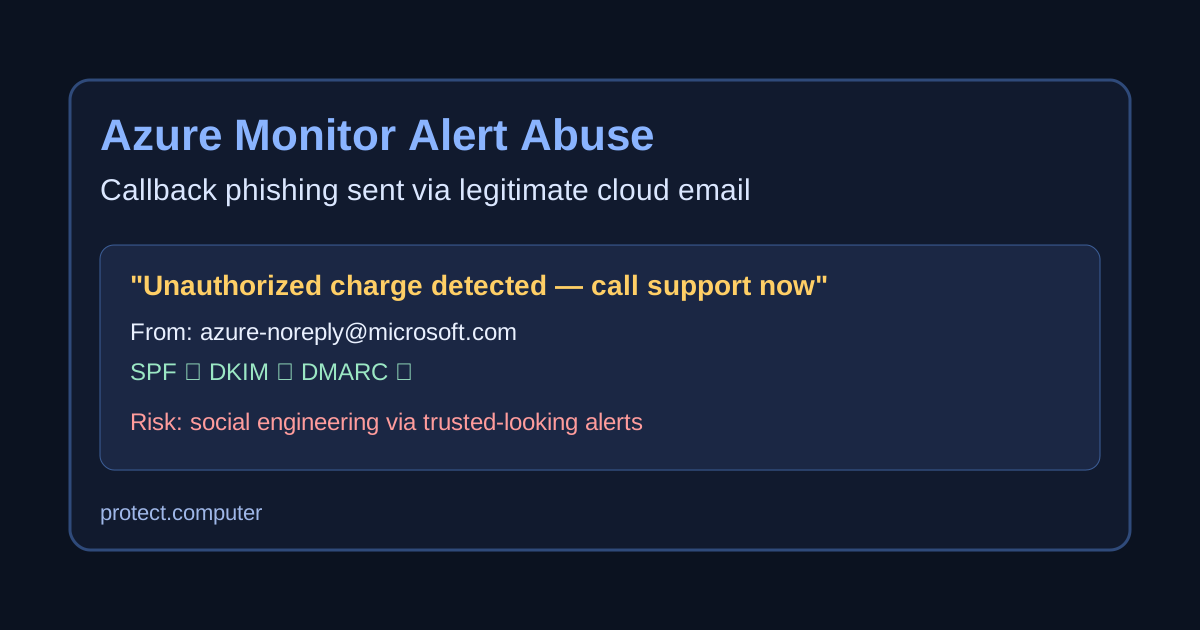
Researchers report an active phishing campaign that abuses Azure Monitor alerting to send fake billing/security notices from a legitimate Microsoft sender address.
The scam emails pressure recipients to call a phone number about an alleged unauthorized charge, then attempt social-engineering during the callback.
Why this matters
This campaign is notable because the emails come through legitimate cloud infrastructure and can pass standard email authentication checks:
- SPF: pass
- DKIM: pass
- DMARC: pass
That makes inbox filtering and user trust decisions harder, especially for finance and operations teams used to cloud-generated alerts.
How the scam works
- Attackers create or abuse Azure alerting workflows.
- They place phishing text and callback numbers into alert descriptions.
- Alert emails are sent through legitimate Microsoft mail infrastructure.
- Victims call the number and are pressured into sharing credentials, approving remote access, or making payments.
How to check if you’re affected
Use this quick checklist:
- Search for suspicious alert emails
- Look for subject/body patterns like urgent billing/refund prompts plus a phone number.
- Confirm whether the message came from a legitimate Azure sender but contains unexpected callback instructions.
- Audit Azure Monitor alert rules and action groups
- In Azure, review recently created/modified alert rules and action groups.
- Flag rules with unusual descriptions, invoice/payment language, or unfamiliar recipient lists.
- Review email recipients and forwarding paths
- Check whether alert notifications are sent to broad distribution lists or externally managed aliases.
- Investigate any recipient list changes that were not approved.
- Validate change history
- Correlate suspicious alert activity with Azure activity logs and identity sign-ins around the same time.
What to do now
- Verify through known-good portals only: never use phone numbers in unexpected alert emails.
- Harden alert governance: restrict who can create/modify alert rules and action groups.
- Review recent alert-rule changes: investigate unusual billing/invoice-style rule names.
- Train staff for callback phishing: treat urgent “call now” payment notices as high-risk.
- Monitor for follow-on abuse: compromised users may be used to phish coworkers.
Sources
- BleepingComputer: Microsoft Azure Monitor alerts abused in callback phishing campaigns
- Microsoft Learn Q&A: phishing emails from Azure Monitor
- Microsoft Learn: Azure Monitor action groups documentation
Bottom line
Even when sender authentication checks pass, the message content can still be malicious. Pair technical controls with process controls so urgent billing-style requests are independently verified.