
What happened
A newly documented infostealer technique is being used by VoidStealer v2.0 to bypass Chrome’s Application-Bound Encryption (ABE), according to Gen Digital research and follow-up reporting.
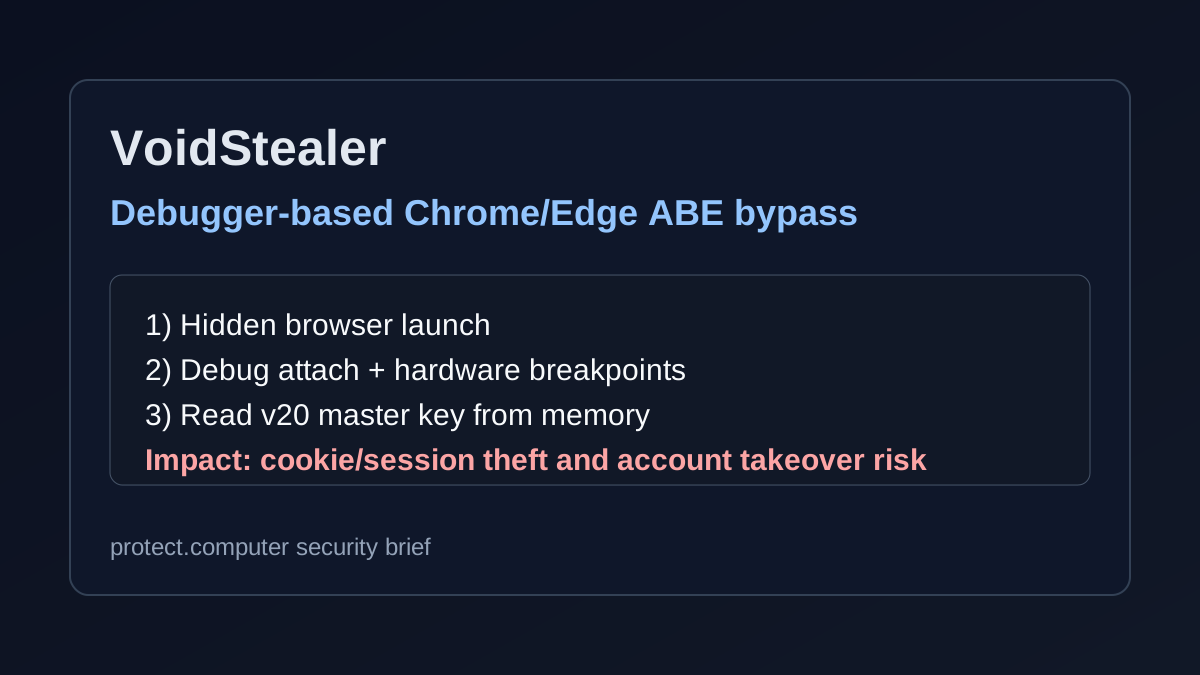
Instead of trying older privilege-escalation bypasses, the malware reportedly:
- Launches a hidden/suspended Chromium browser process.
- Attaches as a debugger.
- Sets hardware breakpoints at key decryption execution points.
- Reads the in-memory pointer to plaintext
v20_master_key.
If successful, attackers can decrypt sensitive browser-protected data (for example cookies and credential-adjacent artifacts), which can then be used for account takeover and session hijacking.
Why this matters
Chrome ABE was introduced to make browser-data theft harder for user-level malware. A live malware family adopting a debugger-based memory extraction path means defenders should not rely on ABE alone as a complete control.
For home users and small teams, this is especially dangerous because infostealers are often delivered through fake installers, cracked software, and malicious ads, then used to steal sessions from email, social, banking, and admin portals.
How to check if you’re affected
Potentially affected systems/services
- Google Chrome on Windows (version 127+) where ABE is in use.
- Microsoft Edge (Chromium) on Windows using equivalent browser key-protection flows.
- Endpoints where untrusted executables/scripts recently ran (download folders, temp paths, user-profile appdata launch points).
Concrete verification steps (10-minute triage)
Check endpoint telemetry for debugger-style abuse of browsers
- Hunt for non-browser processes opening handles to
chrome.exeormsedge.exewith memory-read/debug permissions. - Flag suspicious usage of APIs/behaviors such as
ReadProcessMemory, debug attach events, and rapid thread-context/breakpoint activity.
- Hunt for non-browser processes opening handles to
Review process ancestry around browser startup
- Look for hidden or suspended browser launches initiated by unknown binaries/scripts.
- Investigate command lines and parent processes outside normal updater/system paths.
Verify infostealer indicators on disk
- Inspect
%AppData%,%LocalAppData%, temp folders, and startup locations for recently dropped unknown binaries. - Correlate with outbound connections to unfamiliar C2 domains/IPs shortly after browser execution.
- Inspect
Validate account/session integrity
- Force sign-out or revoke active sessions for high-value accounts (email, cloud admin, banking, social).
- Rotate passwords and re-enroll MFA if suspicious endpoint activity is found.
Patch and harden immediately
- Update browser and endpoint protection tooling.
- Block untrusted executables and script interpreters where possible.
- Enforce application allow-listing for high-risk users/devices.
Immediate defensive actions
- Treat suspected infostealer activity as a credential/session-compromise event, not just a malware cleanup event.
- Prioritize session revocation and secret rotation after containment.
- Add detection rules for browser debug-attach + memory-read behavior combinations.
Sources
- https://www.gendigital.com/blog/insights/research/voidstealer-abe-bypass (primary research source)
- https://www.bleepingcomputer.com/news/security/voidstealer-malware-steals-chrome-master-key-via-debugger-trick/
- https://github.com/Meckazin/ChromeKatz
Bottom line
VoidStealer shows that attackers continue to adapt around browser data protections. If you see suspicious debugger/memory-read behavior touching Chrome or Edge, assume session theft risk and respond at account level immediately.