

If you’ve just seen a ransomware message on your screen, don’t panic. Yes, it’s serious — but there are things you can do right now to limit the damage and potentially recover your files without paying a cent.
Follow these steps in order.
Step 1: Disconnect Immediately
The very first thing you should do is cut your computer off from the internet and any other devices.
1
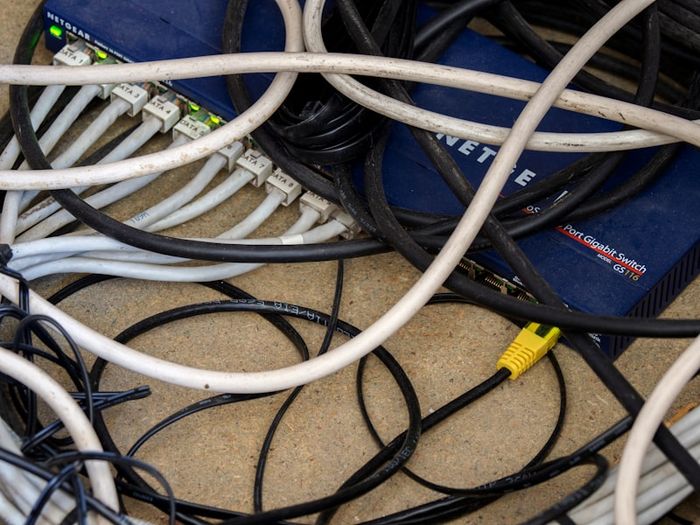
Unplug the ethernet cable if you’re connected by wire. Turn off Wi-Fi by clicking the Wi-Fi icon in your taskbar and disconnecting. This stops the ransomware from spreading to other devices or uploading your data.
2
Disconnect any external drives — USB drives, external hard drives, or anything else plugged into your computer. You don’t want the ransomware to encrypt those too.
Do NOT pay the ransom. The FBI and cybersecurity experts agree: paying doesn’t guarantee you’ll get your files back, and it funds criminal operations that target more people.
Step 2: Identify What Happened
3
Take a photo of the ransom message with your phone. This information can help security professionals or law enforcement identify which ransomware hit you — and some types have known fixes.
4
Check what’s locked. Not all your files may be affected. Look through your Documents, Photos, and Desktop folders. Encrypted files often have strange new file extensions like
.locked, .encrypted, or random letters.
Step 3: Try to Recover
5
Check for backups. If you’ve been backing up your files to a cloud service (Google Drive, iCloud, OneDrive) or an external drive that wasn’t connected during the attack, you can restore from there. This is the fastest and most reliable recovery method.
6
Try free decryption tools. Visit nomoreransom.org — a project by law enforcement and security companies that provides free decryption tools for many known ransomware types. Upload your ransom note and an encrypted file to see if a fix exists.
No More Ransom (nomoreransom.org) is a legitimate project backed by Europol and major security companies. It’s safe to use and has helped thousands of victims recover their files for free.
Step 4: Clean Up and Prevent It Again

7
Run a full antivirus scan. Use Windows Security or install Malwarebytes (free version) to scan and remove the ransomware. You may need to boot into Safe Mode — restart your computer and press F8 repeatedly during startup, then select Safe Mode with Networking.
8
Set up regular backups so this never happens again. Follow our backup guide to protect yourself going forward. A good backup strategy makes ransomware powerless.
When to Get Professional Help
If you can’t recover your files and they’re truly important (family photos, business documents), consider consulting a professional data recovery service. They may have tools and techniques beyond what’s available to consumers.
You can also report the attack to the FBI’s Internet Crime Complaint Center at ic3.gov.